
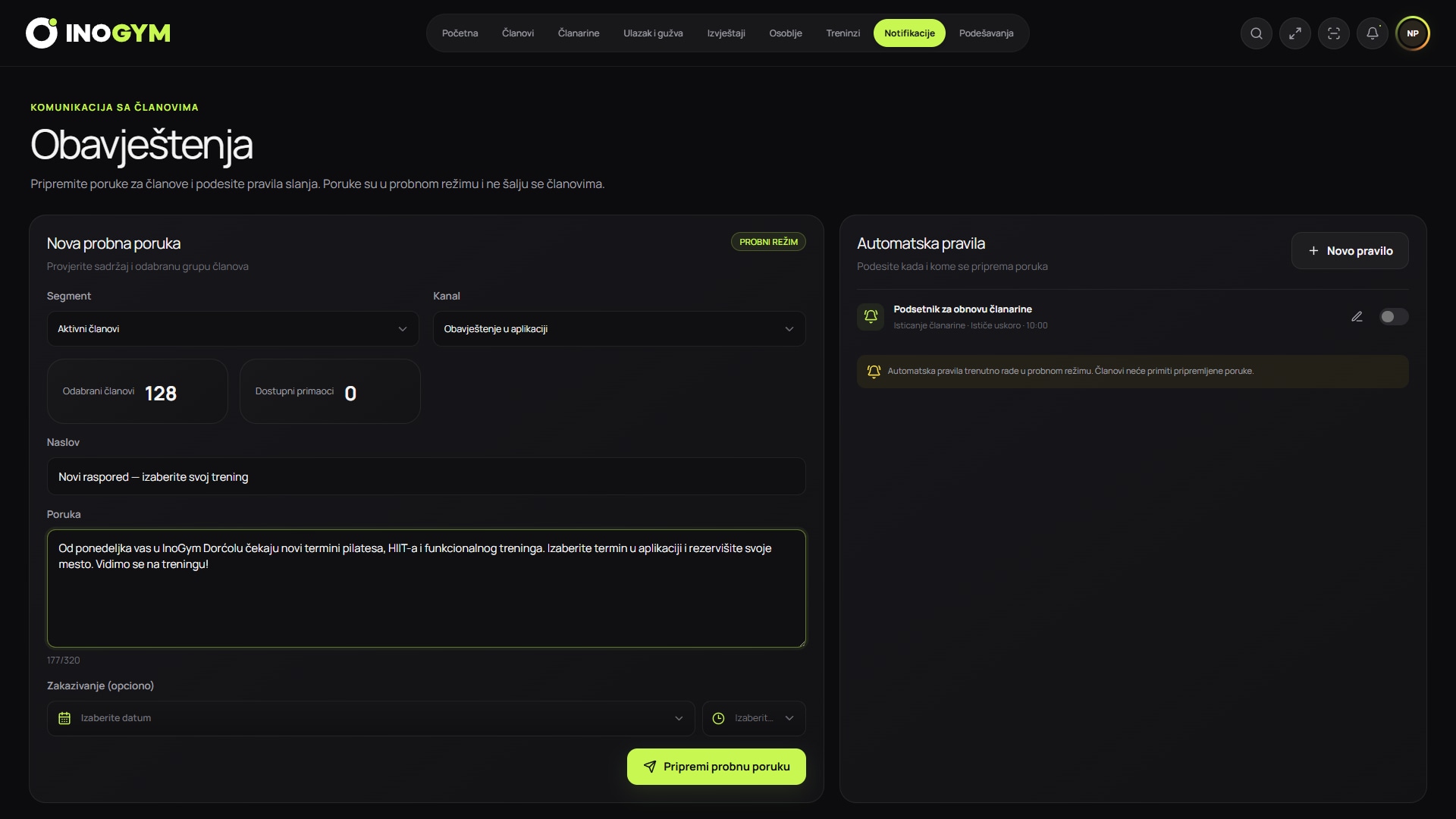
Screenshots show the Serbian version of the app.
Service and promotional messages are different
A change in opening hours or expiry of an active membership may be a service message, while a new plan offer is promotional. The legal basis, member expectations and opt-out requirements may differ.
Classify each message before sending and document its purpose. Combining service and promotional aims often makes a message unclear.
A minimal automation catalogue
Start with a few workflows that solve known problems. Test each with internal accounts and check what happens when data is incomplete.
| Trigger | Message | Stop condition |
|---|---|---|
| Membership expiring | expiry date and options | renewed or deadline passed |
| Payment recorded | status confirmation | one message |
| Important operational change | what changes and when | event ended |
| Agreed inactivity signal | offer of help | response, return or a limited number of attempts |
Frequency, privacy and consent
Apple recommends concise, valuable notifications and cautions against repeating the same message. Set a maximum per channel and period, and quiet hours except for genuine emergencies.
Notifications can appear on a locked screen, so avoid sensitive, confidential or unnecessary details. Keep consent records and provide a simple opt-out.
Measuring and improving
Delivery and opens are not the final goal. For expiry reminders, look at status views or renewals; for return messages, look at visits or replies.
Firebase supports testing message variants against a chosen metric. Do not start a test without enough users or change several elements at once if you want to understand the difference.
- delivery
- opens or views
- target action
- unsubscribe or disable notifications
- problem report