
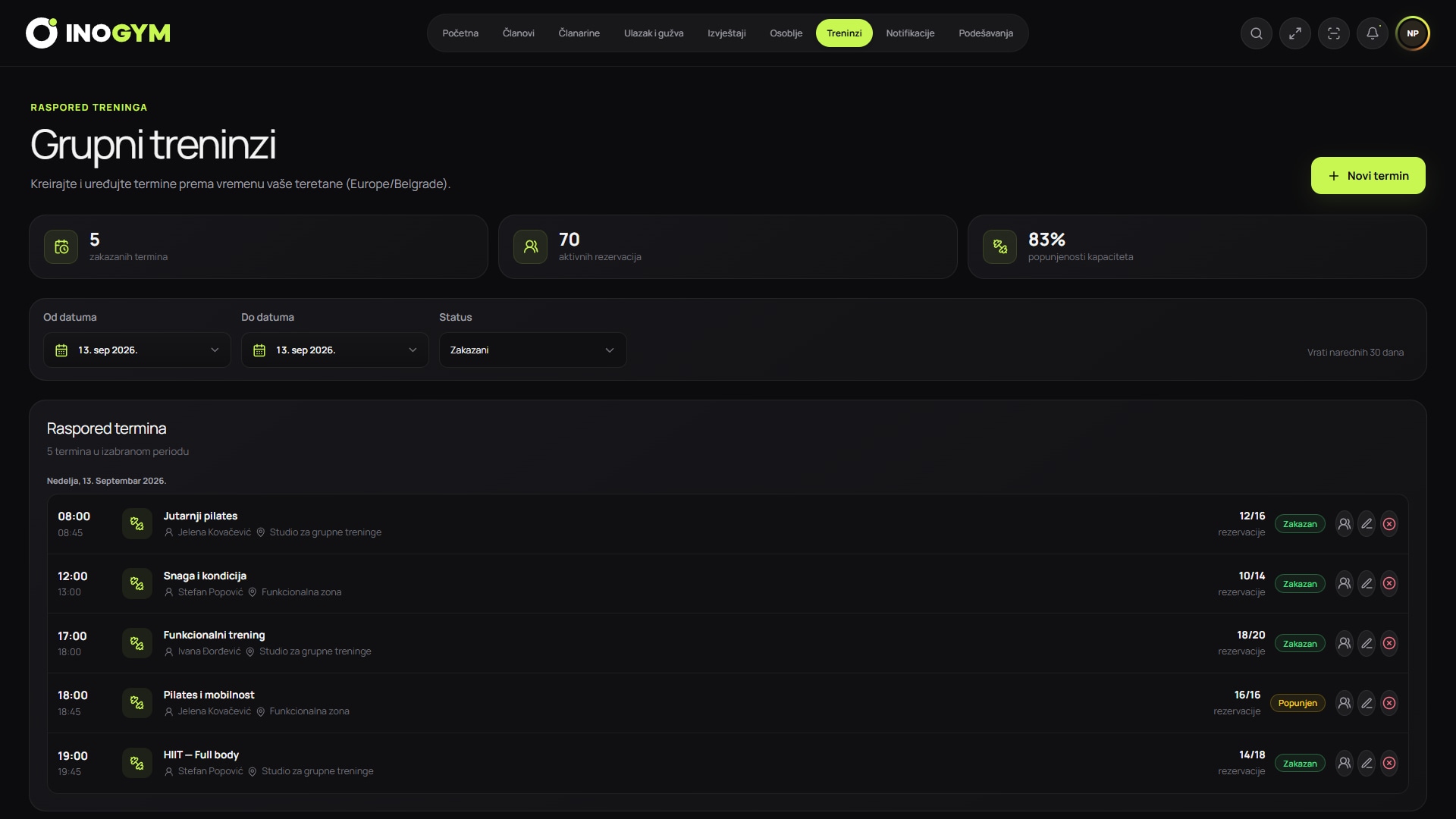
How to create a schedule your team can maintain
Start with the room's actual capacity, trainer availability and the minimum time needed between classes. Before publishing, decide who can change a class, booking and cancellation deadlines, and who handles exceptions. One clear rule is more useful than many statuses that staff interpret differently.
To assess demand, track bookings, attendance, timely cancellations and no-shows separately. A fully booked class with many no-shows is not the same as consistently used capacity. Compare several weeks and note holidays, seasonality, trainer changes or promotional campaigns.
- assign a schedule owner and a backup person
- document rules for capacity, cancellations and lateness
- track bookings and actual attendance as separate metrics
- communicate schedule changes through one agreed channel
Feature boundaries and decisions that remain with the gym
Software can centralise class times, trainers, bookings and records, but it does not determine safe room capacity, trainer qualifications or cancellation policy. The centre's responsible person makes these decisions based on the space, class type, contracts and local obligations.
Before rollout, confirm whether you need only internal reception management or also member self-booking, a waiting list, per-class billing and automatic reminders. The demo compares your existing process with the actual available workflow, without promising unconfirmed features.