
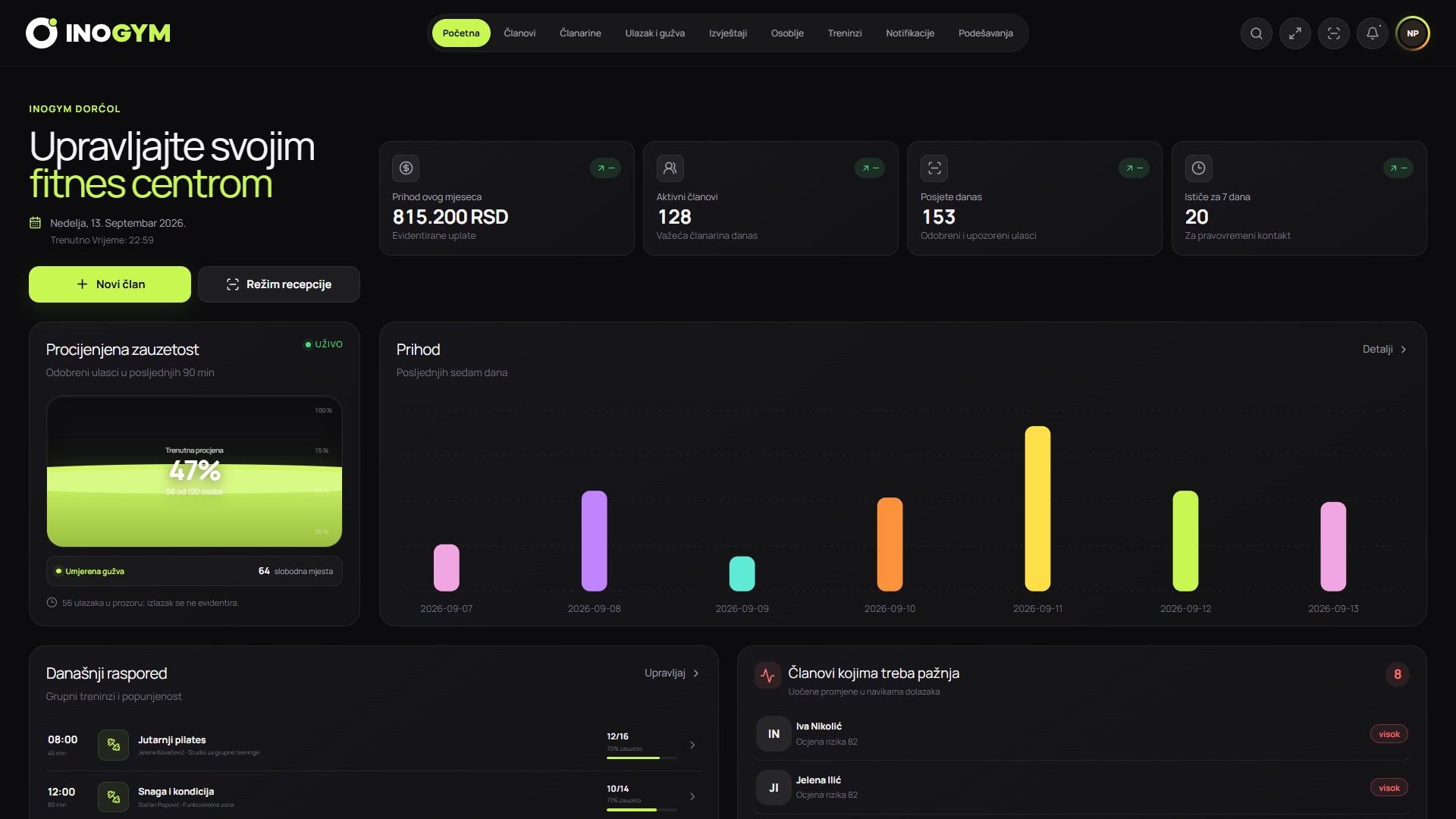
Screenshots show the Serbian version of the app.
Start with your processes
Before talking to a supplier, document how member profiles are created, who records payments, how entry is checked, what happens when a membership expires and which reports the owner actually uses. This reveals duplicate entry, reliance on memory and errors with business consequences.
Software should remove specific bottlenecks. If reception still checks three separate screens to approve entry, the new app has not solved the core workflow, however many extra options it offers.
Features to test live
Test the basics as one connected workflow. Create a test member, assign a plan, record a payment, try entry with valid and expired memberships, then check how the events appear on the profile and in reports.
- unified records of members, plans, payments and visits
- clear status for active, expired and expiring memberships
- entry control that checks access rights in real time
- roles for reception, managers, trainers and owners
- data exports and reports that support actual decisions
- a mobile experience members understand without extra explanation
Data migration and getting started
Switching usually involves more than uploading an Excel file. Agree on required fields, remove duplicates, standardise dates and phone numbers, verify active memberships and decide how to handle incomplete records.
Ask for a trial import and a result record: how many rows were accepted, which were not and why. The supplier should explain who confirms the final data, when old records stop being edited and how staff work during the transition day.
Security, privacy and responsibility
Ask who can view or change data, how important changes are recorded, what happens when an employee leaves and how backups are made. Least privilege means reception should not automatically have the same access as the owner.
The gym should know where data is held, how to export it and how deletion or pseudonymisation works when justified. A marketing claim that a system is secure does not replace a clear description of controls and responsibilities.
Comparing price and total cost
A monthly subscription is one item in the comparison. Include setup, migration, scanners or door controls, a branded app, extra locations, training and support. Then estimate the time your team currently spends on manual checks and corrections.
| Item | What to check | Why it matters |
|---|---|---|
| Subscription | Included modules, users and locations | Prevents unexpected surcharges |
| Implementation | Migration, setup and training | Determines the actual initial cost |
| Equipment | Scanner, lock, tablet or computer | Software alone does not manage physical entry |
| Support | Working hours, contact channel and expected response | Entry failures need a clear response process |
| Data export | Format and availability of a complete export | Reduces supplier dependency |
Demo checklist
Bring typical and problematic scenarios to the demo. Ask the supplier to perform them without skipping steps. Note what is standard, what needs configuration and what is not currently supported.
- registering a new member and assigning a trial membership
- renewing and correcting an incorrectly recorded payment
- trying to enter with an expired membership
- reception shift work and owner access from outside the centre
- sending a notification to a targeted member group
- exporting members, payments and visits in a readable format
Conclusion
Choosing software is a decision about how your gym will work. Prioritise a system that clearly handles core processes, can transfer your data, restricts access by role and openly explains costs and feature boundaries.
To work through this checklist with InoGym, bring your current record-keeping method and a few real scenarios. The demo becomes a practical assessment.