
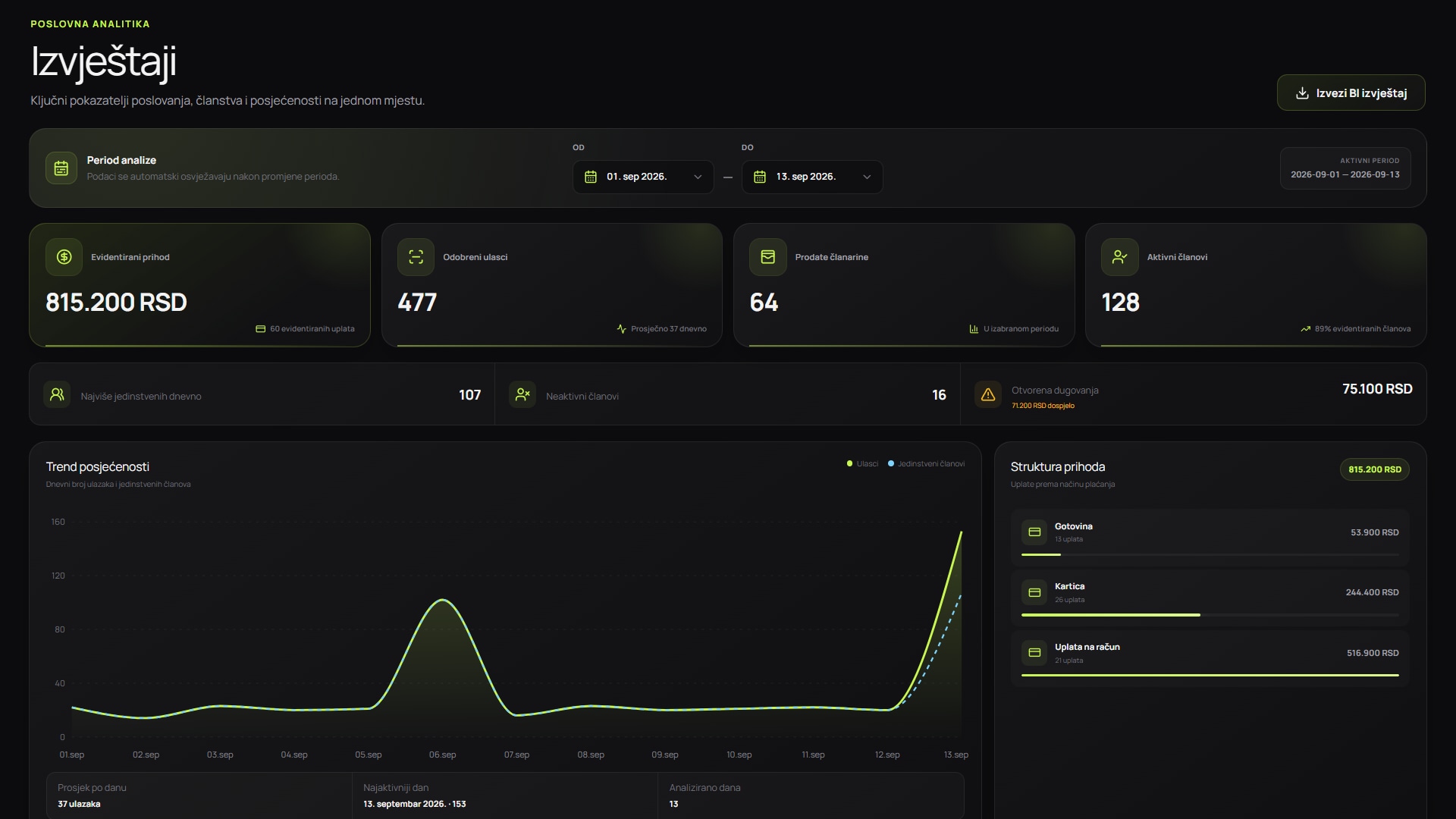
Screenshots show the Serbian version of the app.
Compare costs with the processes you want to improve
Enter your own monthly figures. The calculator uses no industry averages and does not promise savings.
(administration hours × hourly cost) + missed payments − plan priceThis is not guaranteed savings or financial advice. It assumes the system could affect all entered hours and missed payments, which may not be possible in practice. Use conservative figures and confirm the actual scope during a demo.
What is included in the cost of gym software?
InoGym plans have fixed prices and include one QR scanner, delivery and Excel member import. Automatic door unlocking requires a separately priced lock and controller. Include any additional equipment and your team's time when estimating total costs.
The calculator uses published plan prices. Results depend on the figures and assumptions you enter. It helps you prepare a more useful discussion about the processes you want to change, their current cost and what to test before deciding.
How does the return calculator work?
The formula adds the value of administration time to estimated missed payments, then subtracts the monthly plan price. Time is valued by multiplying the hours entered by your internal hourly labour cost. It also shows the plan cost per active member and the hours of work equivalent to that price.
These results do not mean software will remove all manual work or recover every missed payment. They show the upper limit of your scenario. Reduce the hours or missed payments to make a conservative estimate of the processes the system can actually affect.
| Input | What it represents | How to verify it |
|---|---|---|
| Active members | Members currently using the gym | From your latest confirmed membership records |
| Administration hours | Time spent on manual checks, records and corrections | Measure a typical week and convert it to a month |
| Hourly cost | The internal labour cost you want to use | Use your own calculation, not a market average |
| Missed payments | An amount linked to a delay or error | Use verifiable records, not a percentage of total revenue |
How to measure administration time reliably
Over one or two representative weeks, record the time spent registering members, checking membership status, recording payments, preparing reports, answering recurring questions and correcting duplicates. Exclude activities that will stay the same after implementation.
Separate owner, reception and manager time if their labour costs differ. A weighted average can simplify the scenario, but keep a record of how you calculated it. The aim is a decision you can repeat and verify.
What counts as a missed payment?
A missed payment is not the same as potential revenue. Enter only amounts linked to a specific process: an unnoticed expired membership, an incorrectly recorded payment or access left active after expiry. Do not count every inactive member as a certain renewal.
If you lack evidence, enter zero. After implementation, the same records can become a baseline for comparison, provided the measurement method stays consistent.
How to interpret a positive or negative result
A positive difference means the entered administration costs and missed payments exceed the plan price. It does not prove a return: assess how much the system can actually reduce. A negative difference does not rule out value from access control, accurate data, member experience or readiness to grow.
Create conservative, expected and upper-limit scenarios. Base your decision on the conservative one and add one-off setup costs. Test any large, uncertain assumption during the demo or trial.
What the calculator does not measure
The tool does not put a price on every benefit. Member experience, fewer reception disputes, audit records, faster decisions and a branded app should be assessed separately against your gym's goals.
The calculator also excludes taxes, accounting treatment, cost of capital and legal obligations. Discuss those matters with an accountant or qualified adviser. Use the InoGym demo to check features and processes, not as financial advice.
How to turn the result into a decision
Save your inputs and their sources. During the demo, test the processes with the largest costs: recording memberships, entry with expired access, reports and notifications. Clarify what is standard, what needs setup and which costs sit outside the subscription.
Make your final assessment once you know the plan price, equipment needs, migration plan and responsible team member. A good decision rests on assumptions you can check after one, three and six months.