
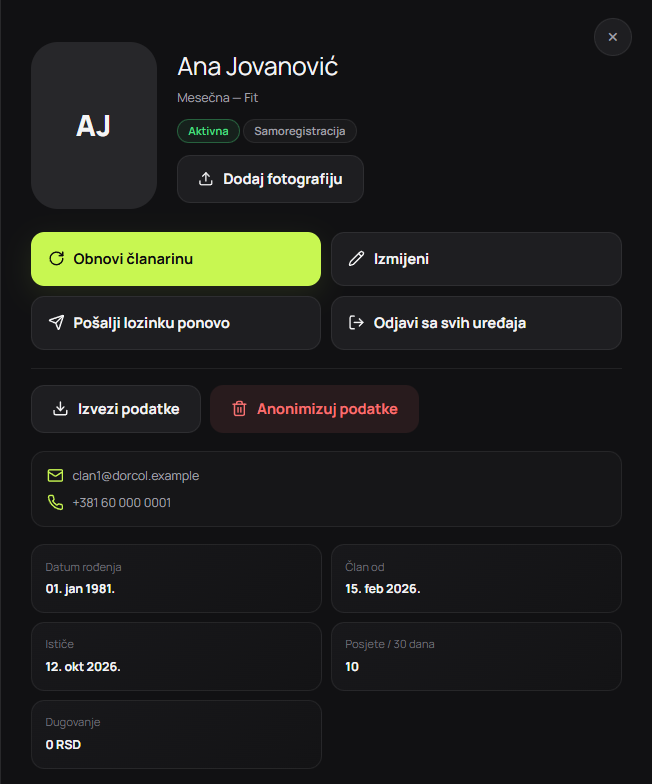
Screenshots show the Serbian version of the app.
Define the purpose and minimum fields
The initial form should help find or create a profile and continue registration. A name, contact and approved fields may be enough for the first step. Health, identification or marketing data does not become mandatory just because it can technically be requested.
For each field, document purpose, requirement, format, retention and access. Do not bundle marketing consent with the basic service where unnecessary. A qualified person should confirm the legal interpretation for the specific market.
Validation and normalisation are different
Validation checks format and business rules. Normalisation creates comparable values, such as removing phone spaces and handling email case consistently. Neither proves a person's identity.
Validate on the server and use client-side checks for quick feedback. Reject unexpected fields, extreme lengths and content that would later be displayed without safe handling.
| Step | Automatic action | When staff review is needed | Public response |
|---|---|---|---|
| Format | Rejects invalid format | Unusual legitimate case | Explain how to correct the field |
| Normalisation | Creates a comparable value | Conflicting original data | Does not expose the internal value |
| Matching | Flags a candidate | Multiple candidates or a conflict | Neutral message about the next step |
| Activation | Follows an approved rule | Unclear payment, document or identity | Confirmation only after approval |
Rules for finding an existing member
A uniquely confirmed and verified contact can be a strong signal, but shared family phones, changed emails and recycled numbers create exceptions. Names are weaker signals and should not trigger automatic merging.
Define levels: a reliable match leads to controlled continuation of an existing profile, a possible match to a review queue and no match to a proposed new profile. Merging preserves history and records who approved it.
Prevent account-existence disclosure
If a public form reveals that a phone number belongs to a named member, someone can probe who is in the database. Instead, use a neutral response confirming receipt and explaining that the next step will arrive through an approved channel.
Limit attempts, monitor unusual patterns and avoid different technical responses for existing and non-existent accounts. Use a separate, controlled account recovery process.
Separate registration from activation
A submitted form can have a pending-review status. Active membership follows confirmation of required data, the plan and payment; entry rights derive from it. The public form should not become a shortcut to the door.
If the centre offers trial entry, give it a separate time-limited status and rules. Do not improvise an active regular membership without payment because a clear trial workflow is missing.
Reception handling of candidates and duplicates
Reception sees a review queue with sufficient but not excessive data. The process includes contact through an approved channel, verification of relevant details and a choice: continue the existing profile, create a new one or reject an incomplete request.
Staff should not copy details into private messages or personal spreadsheets for later review. Escalation should use an internal status and a limited note without sensitive content.
Quality metrics and periodic checks
Track started and completed registrations, time to approval, duplicate candidates, confirmed incorrect merges and requests corrected manually. High completion is not success if more duplicates enter the database.
Review rules and a representative sample monthly. If a field often blocks legitimate members, check its format and necessity. If too many records need manual review, improve the signal without weakening privacy protection.