
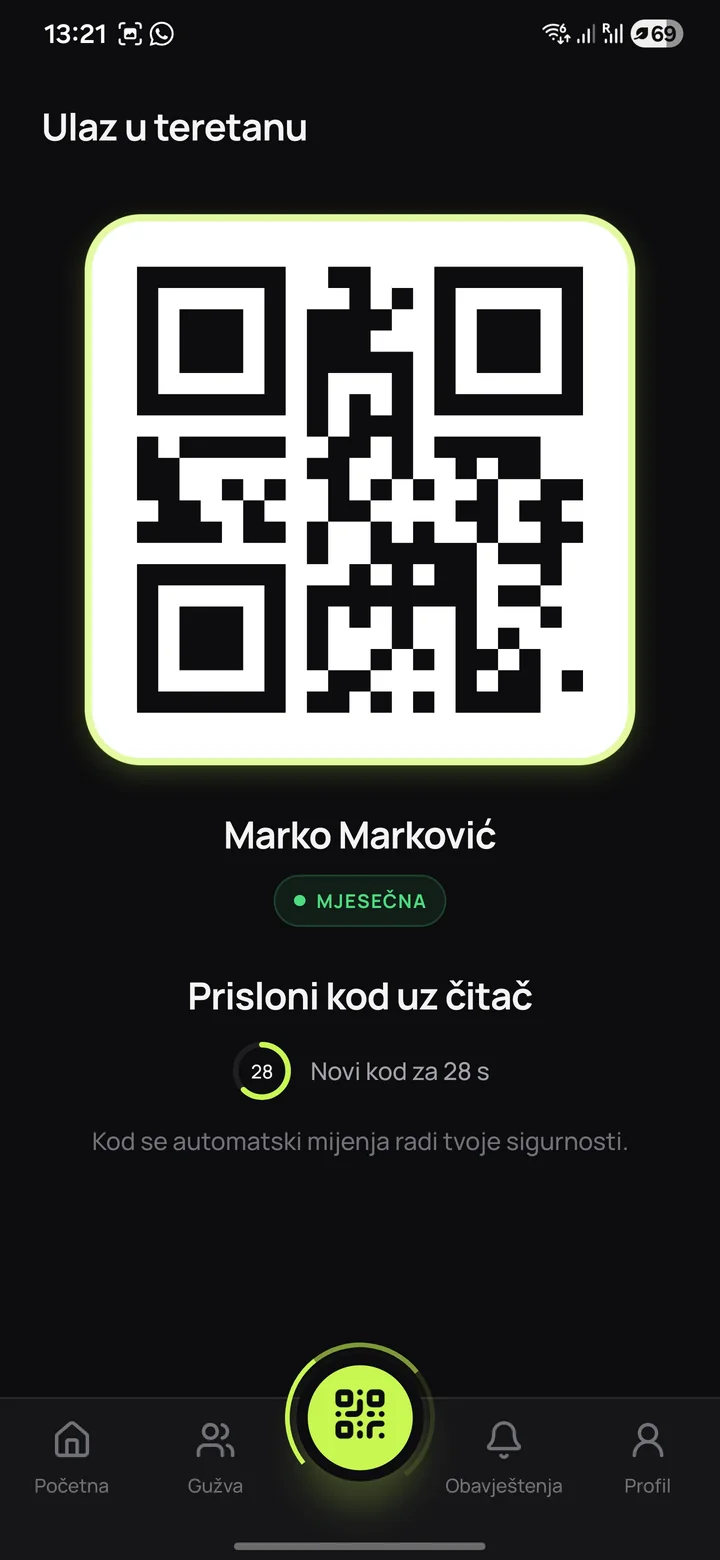
How QR, RFID and NFC work
A QR code is an optical pattern read from a screen or paper by a camera or dedicated scanner. In a member app it can represent an account or a short-lived access token checked on every scan.
An RFID card or key fob communicates with a reader using radio signals. NFC is a family of very short-range contactless technologies, often used for tapping a phone or card. NFC Forum describes a typical range of approximately two centimetres.
Direct comparison
The table shows typical differences. Final implementation depends on the reader model, door controls, app and the gym's access rules.
| Criterion | QR | RFID | NFC |
|---|---|---|---|
| What members use | Phone or printed code | Card or key fob | Compatible phone or card |
| Additional equipment | Camera or QR scanner | RFID reader | NFC reader and supported credential |
| Issuing access | Digitally through the app | A physical card is programmed and handed over | Digital or physical, depending on the system |
| Loss | Sign in again on the phone | Replace and deactivate the card | Deactivate digital or physical access |
| Experience | Open and scan a code | Tap a card | Tap a device or card |
| Typical advantage | Quick digital onboarding | Simple physical use | Very fast tap interaction |
Security depends on checks behind the reader
No medium guarantees secure entry by itself. A static QR photo can be shared, an RFID card lent and misconfigured NFC access left active after a membership expires. The reader should therefore send an identifier to a system that checks the active account, zone permissions and current time.
Short-lived QR codes, quick card deactivation, repeated-entry limits and audit records address different risks. Rules should fit the centre: reception check-in and fully automated 24/7 doors have different risk profiles.
Costs go beyond the reader
For QR systems, account for the scanner, entrance positioning and lighting, network connection and support for members without an available phone. For RFID, include cards, programming, replacements and stock. For NFC, check supported phones, wallets or apps and how access is issued.
An electronic lock, barrier or turnstile also requires a controller, power supply, emergency exit provision and a plan for internet or central service outages. Agree these items before the final quotation.
Which system fits which centre
QR often suits a centre that wants a member app and quick digital access issuance. RFID fits places where physical cards are acceptable and members should not need phones at entry. NFC makes sense when fast tapping is the goal and compatibility and credential issuance have been verified.
- for reception entry, prioritise speed and a clear member status
- for 24/7 doors, prioritise the controller, auditing, revocation and an offline plan
- for gym chains, check permissions by location and zone
- for trial entries, check how time-limited access is issued
Questions for an access-control supplier
Request a demonstration from issuing to revoking access. Test an active member, membership expiry, a lost device or card, repeated attempts and connection failure. Answers should explain both the user experience and the doors' technical behaviour.
- whether permissions are checked in real time or cached locally
- how quickly lost access can be deactivated
- which events remain in the audit records
- what happens without internet or electricity
- how doors, turnstiles and fire exits are connected
Conclusion
How access connects to memberships and doors usually matters more than the QR, RFID or NFC label. Choose a solution your team can maintain, members understand and that clearly handles revocation, auditing and emergencies.